Zona Logo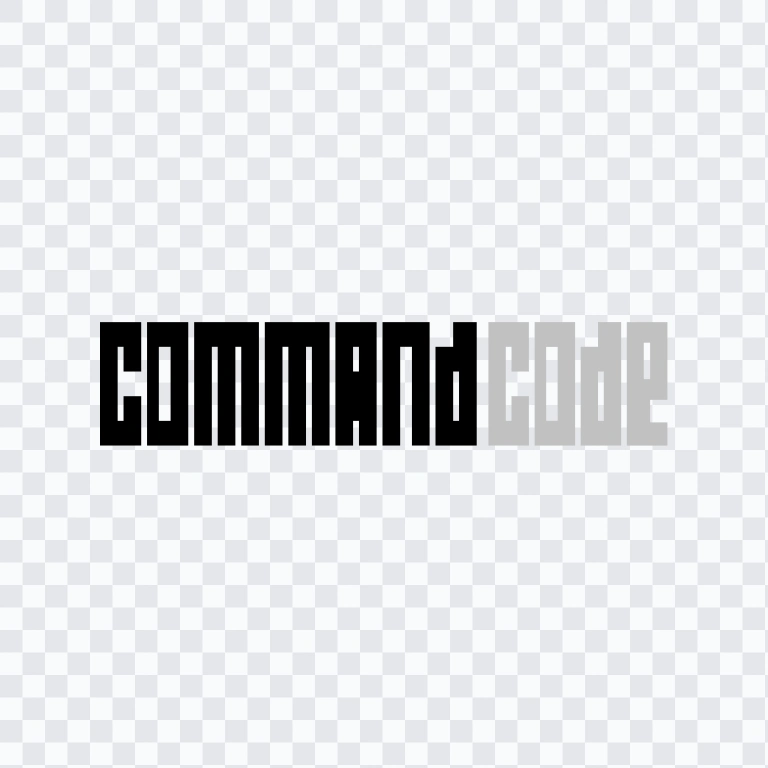
Command Code
AI Developer Tools
Brand Info
Report outdated or incorrect assets.
4+ Command Code Logo PNG & SVG Vectors HD Quality
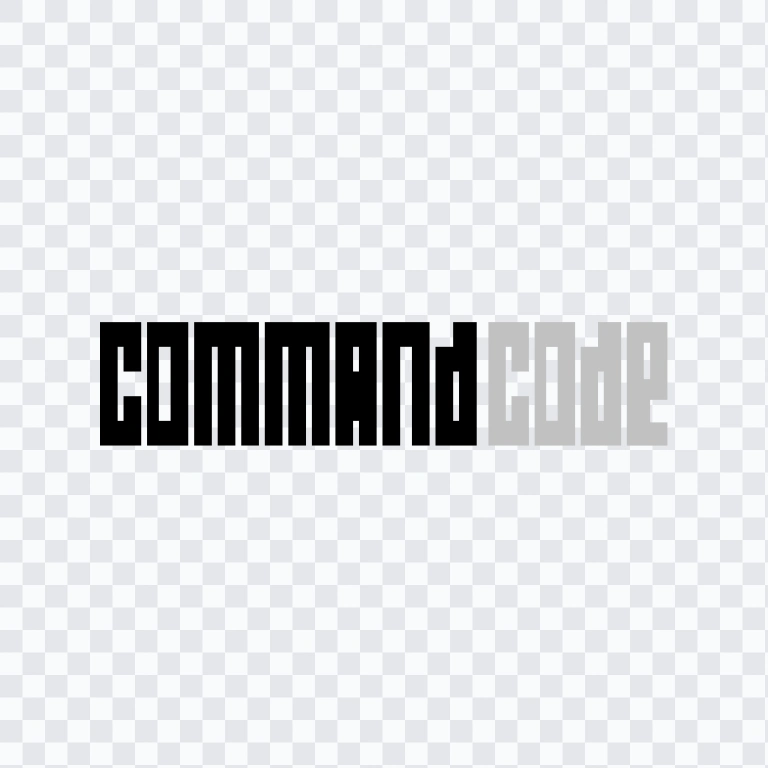
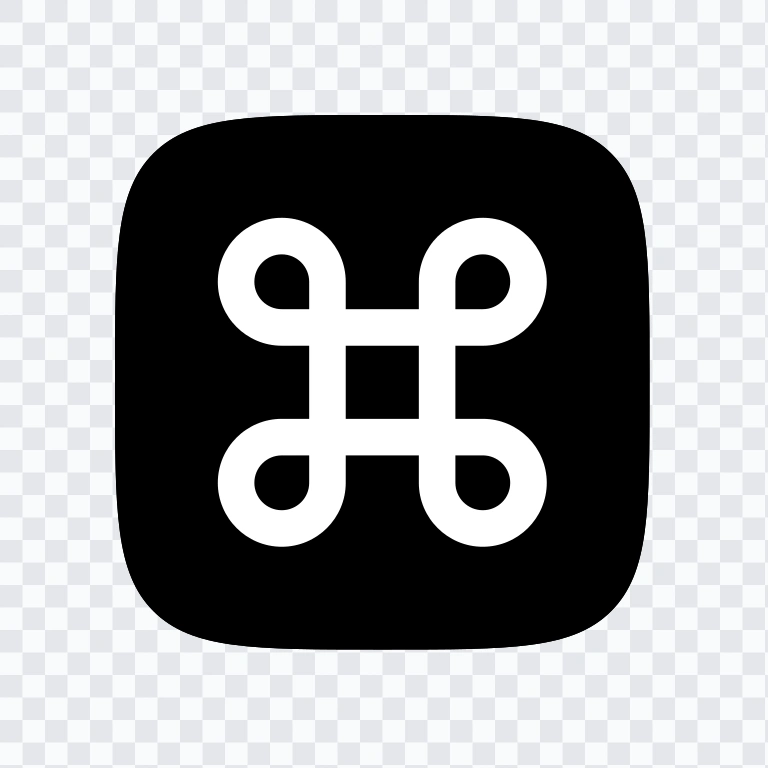
Table of Contents11 sections
- Download Command Code PNG Logo
- About Command Code
- Meaning and History of the Command Code Logo
- Evolution of the Logo
- Command Code Color Palette
- Frequently Asked Questions
- Can I use the Command Code logo for commercial purposes?
- What file formats are available?
- What does Command Code do?
- What is the “taste” feature?
- When should I use the logo mark instead of the wordmark?
Welcome to Zona Logo. You can download the Command Code logo in PNG and SVG formats. You can also download the PNG logo with a transparent background in high resolution (HD) for free. The Command Code PNG logo with transparent background is suitable for digital layouts, presentations, documentation, and other design applications where a clean edge is important.
Download Command Code PNG Logo
Please select the file above according to your needs, then press the download button to obtain the desired file:
| File Name | Command Code |
| File Type | PNG, SVG |
| File Size | 18 KB - 220 KB |
If you encounter issues while downloading the Command Code logo or if the displayed file is inaccurate, you can report it here.
The available visual assets include a colored logo SVG, a colored logo mark SVG, a light logo SVG, and a light logo mark SVG. The separate wordmark and logo mark support different applications: the wordmark is suited to primary brand presentation, while the compact mark is intended for favicon, app icon, and small-size use.
About Command Code
Command Code is an AI coding agent for software developers. It can work directly with a codebase to build features, fix bugs, write tests, and perform refactoring. Its central capability is “taste,” a learning system that studies a developer’s coding preferences and patterns through actions such as accepting, rejecting, and editing generated work. This allows the agent to produce code that increasingly matches the user’s working style.
Command Code is based in San Francisco, California, and was founded in 2023. The service is operated by Langbase, Inc. d/b/a Command Code. It is available through a command-line interface and supports AI models from providers including Anthropic, OpenAI, Google, xAI, DeepSeek, Qwen, Kimi, and MiniMax, among others. Its primary category is AI Developer Tools, with Generative AI as a secondary category because it uses generative models to create and modify software code.
Meaning and History of the Command Code Logo
The identity is organized around two distinct assets: a wordmark and a separate logo mark. This division gives the system a practical hierarchy. The wordmark provides a clear full-brand signature in larger layouts, while the compact emblem can remain recognizable in constrained spaces such as browser tabs, application icons, and developer tools interfaces.
The primary logo treatment uses a monochrome black or white approach according to the background. This makes the Command Code logo adaptable across light and dark surfaces while preserving legibility. The digital identity also uses an accent color known as Burple, with the interface base identified as #8C4EDD, alongside documented purple, blue, teal, peach, and coral variations. The supplied logo assets themselves include colored and light SVG versions, giving designers options for different interface contexts.
Evolution of the Logo
The current asset system separates the full wordmark from the compact logo mark and provides colored and light SVG versions for flexible digital use. This structure supports consistent brand presentation across primary identity placements and smaller product touchpoints without requiring the same lockup in every setting.
Command Code Color Palette
The listed brand colors are Silver (#C1C1C1) and Black (#000000). Black provides the strongest primary contrast for the standard mark, while Silver offers a restrained neutral alternative for supporting applications. The logo identity is also described through black-and-white usage, with the correct treatment selected according to the surrounding background.
Within the broader digital interface, Burple is identified by the base value #8C4EDD. It is distinct from the supplied black-and-silver logo palette and functions as a recognizable interface accent. Designers using the assets should preserve the contrast of the selected logo version and avoid placing a light mark on a light background or a dark mark on an overly dark surface.
Frequently Asked Questions
Can I use the Command Code logo for commercial purposes?
Commercial use should be confirmed with Command Code or its operating entity, Langbase, Inc. d/b/a Command Code. Ask for official permission before using the mark in commercial materials, products, advertising, or services.
What file formats are available?
The download listing provides PNG and SVG formats. SVG is a vector format and is useful for scaling the wordmark or logo mark without the limitations of a fixed raster size.
What does Command Code do?
It is an AI coding agent for software developers. The tool can build features, repair bugs, write tests, refactor code, and work directly with a codebase.
What is the “taste” feature?
“Taste” is Command Code’s learning system. It studies user actions such as accept, reject, and edit to learn coding preferences and produce output that better follows the developer’s style.
When should I use the logo mark instead of the wordmark?
Use the wordmark when the full brand name needs to be immediately visible. Use the separate logo mark for compact placements such as favicons, app icons, and other small-format applications where a full wordmark may not fit comfortably.
AI-Generated Content
This description was generated by AI and may contain inaccuracies.