Zona Logo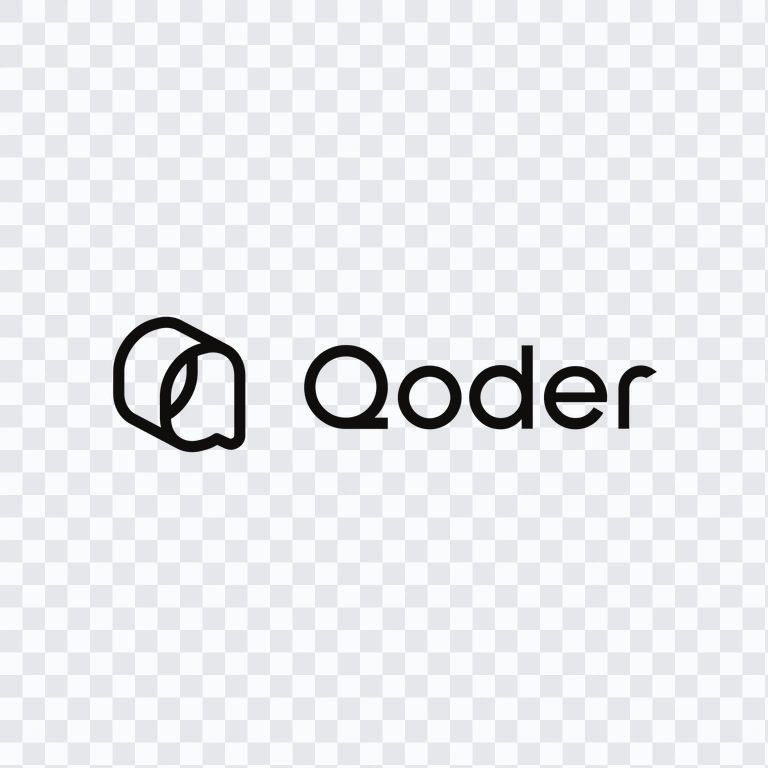
Qoder
AI Developer Tools
Brand Info
Report outdated or incorrect assets.
4+ Qoder Logo PNG & SVG Vectors HD Quality
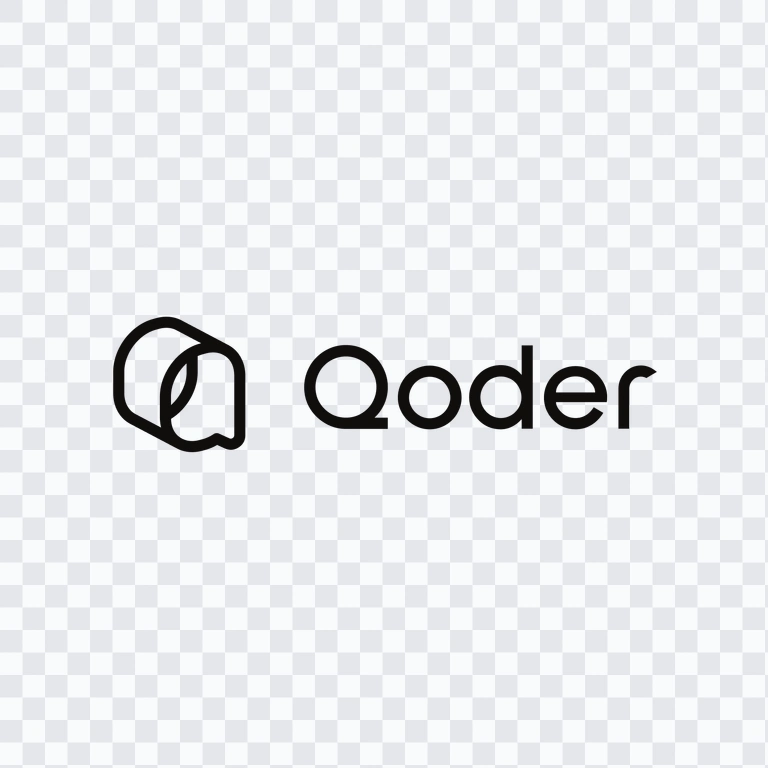
Table of Contents11 sections
- Download Qoder PNG Logo
- About Qoder
- Meaning and History of the Qoder Logo
- Evolution of the Logo
- Qoder Color Palette
- Frequently Asked Questions
- Can I use the Qoder logo for commercial purposes?
- What file formats are available?
- What does the Qoder symbol represent?
- Which Qoder logo variants are available?
- When was Qoder first released?
Welcome to Zona Logo. You can download the Qoder logo in PNG and SVG formats. You can also download the PNG logo with a transparent background in high resolution (HD) for free.
Download Qoder PNG Logo
Please select the file above according to your needs, then press the download button to obtain the desired file:
| File Name | Qoder |
| File Type | PNG, SVG |
| File Size | 18 KB - 220 KB |
If you encounter issues while downloading the Qoder logo or if the displayed file is inaccurate, you can report it here.
The available asset collection includes a colored logo PNG, a colored icon PNG, a white logo PNG, and a white icon PNG. These variants support different layout requirements, including light and dark backgrounds, compact applications, and placements where the complete wordmark is not required.
About Qoder
Qoder is an agentic coding platform that uses AI agents to assist with and automate software development. Its capabilities include code generation, codebase understanding, multi-file editing, debugging, autonomous task execution, and agent-based development workflows. The platform is intended for software development use and brings several tools into one ecosystem.
The Qoder ecosystem includes the Qoder IDE, a desktop application, a JetBrains plugin, a command-line interface, mobile control, an Agent SDK, and Cloud Agents. Qoder was first released on August 21, 2025, and is officially described in its documentation and customer materials as an Alibaba AI product. For global services, the Qoder website currently lists BRIGHT ZENITH PRIVATE LIMITED, based in Singapore, as the operating entity. The brand originates from China.
Meaning and History of the Qoder Logo
The Qoder logo combines an abstract rounded geometric symbol with the “Qoder” wordmark. The symbol forms a stylized interpretation of the letter “Q,” giving the identity a compact emblem that can also function independently from the full name. This construction is particularly practical for application icons, developer tools, command-line references, and other small digital interfaces.
The wordmark uses modern sans-serif typography, keeping the name clear and legible across interface headers, documentation, product screens, and promotional layouts. The current visual treatment uses bright green and white within the symbol, while the wordmark may appear in white or dark treatment according to the background. For layouts that require a complete brand signature, the full Qoder logo is appropriate; for compact placements, the separate icon provides a simpler alternative.
Evolution of the Logo
Qoder’s current asset system supports the platform’s expansion from an AI IDE into a broader family of agentic development tools, including the IDE, CLI, JetBrains plugin, desktop agent, SDK, and cloud agents. The available colored and white logo and icon PNG variants provide a flexible system for product interfaces, documentation, dark-mode surfaces, and compact digital applications.
Qoder Color Palette
The documented brand palette is built around green, white, and black. The green and white treatment is used prominently in the symbol, giving the emblem a clear visual contrast. White is also available for reversed applications, especially when the mark is placed on a dark background. Black provides a neutral dark option for wordmark use and other light-background layouts.
The supplied reference colors are #000000 for black and #FFFFFF for white. When preparing a Qoder PNG for publication, a transparent background is useful when the surrounding interface or page color must remain visible. The white version is better suited to dark surfaces, while the colored version can preserve the strongest contrast between the emblem and its background.
Frequently Asked Questions
Can I use the Qoder logo for commercial purposes?
Commercial use should not be assumed. Ask Qoder or the relevant official rights holder for permission before using the brand symbol or wordmark in commercial materials.
What file formats are available?
The download selection includes PNG and SVG formats. PNG files are useful for web pages, presentations, and raster-based layouts, while SVG is suitable for scalable vector applications.
What does the Qoder symbol represent?
The symbol is an abstract rounded geometric form that creates a stylized “Q.” Its compact construction allows it to work as a standalone brand symbol as well as part of the full logo.
Which Qoder logo variants are available?
The available variants include a colored logo PNG, colored icon PNG, white logo PNG, and white icon PNG. The complete logo includes the wordmark, while the icon version is designed for more compact placements.
When was Qoder first released?
Qoder was first released on August 21, 2025. It has since developed as an agentic coding platform with an IDE, CLI, JetBrains plugin, desktop tools, SDK capabilities, mobile control, and Cloud Agents.
AI-Generated Content
This description was generated by AI and may contain inaccuracies.